One gateway for connected models
Connect language, transcription, OCR and embedding models through a shared gateway, with APIs for your applications and agents

 AI Gateway
Connect models, set data rules and evaluate quality on your own work
Choose among connected models and inspect their settings in the Escalir workspace
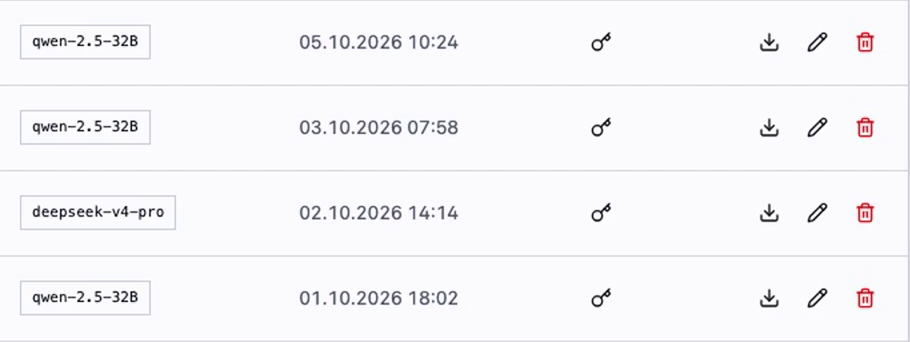
Model assignments and agent controls, as they appear in the Escalir workspace
Review the documents available to support knowledge search and agent workflows
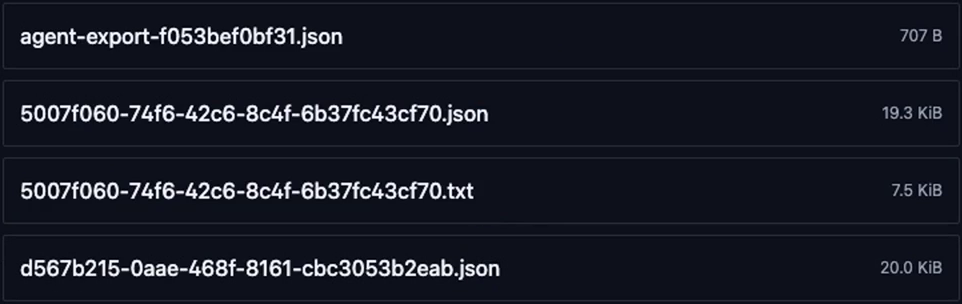
Work with existing files in the application, including text documents and structured data
Inspect the timing and token information attached to an answer

Inspect the token counts and timing details attached to an application response
Actual views from the Escalir application
Give people, applications and agents a common gateway to models and tools, with the permissions and data policies each workflow needs
Connect language, transcription, OCR and embedding models through a shared gateway, with APIs for your applications and agents
Review response timing, token use and request cost alongside answer quality to understand what each workflow needs to operate
Set roles for the people and agents using company knowledge and tools, with permissions defined for the sources each workflow needs
Select a model for each workflow step and compare cloud and self-hostable options on the same tasks before making a production decision
Define which data may be sent to each model and record those decisions in logs, with cloud processing governed by your organisation's policies
Test answers against agreed control questions, check retrieved sources and citations, and review feedback before expanding a workflow
Model quality depends on the task, the documents and the questions, so compare options on representative work before committing to a production setup
Keep applications and workflows connected to the platform while choosing models for their specific tasks
Compare answers on the same documents and questions, then use measured quality to guide the choice
Review request cost, resource use and response time alongside the value the workflow is meant to deliver
Keep data permissions and activity logs available to the people responsible for reviewing the workflow