
Specification
Capture requests from business teams, clarify the process, data and owner, then agree value, readiness and acceptance criteria

Escalir Systems
Connect agents, documents and existing systems through workflows your team can build, evaluate and maintain
Specification → Development → Governance, with process owners and developers involved throughout
Capture requests from business teams, clarify the process, data and owner, then agree value, readiness and acceptance criteria
Build with agents, RAG, integrations and workflow tools, then test the result on representative documents and questions
Review quality, impact, versions and access, with activity logs and findings feeding into the next specification

People, process, evidence
Some tasks need an agent, others need a deterministic integration or expert assistance, so choose the approach around the work
Use agents for repeatable workflows, RPA for defined data transfers and corporate chat for expert work, with accountable decisions kept with people
Agree measures with process owners, including time, quality and operating cost, then compare the results after launch with the original expectations
Connect existing applications, databases and document systems through APIs and MCP, using permissions issued by your organisation
Explore OCR and field extraction for incoming documents, then apply agreed checks and prepare a draft for review by the person responsible
Define the fields, validation rules and acceptance criteria on representative documentsDiscuss this workflowUse natural-language queries and connected data to prepare operational reports, with access rules and a review step before the results inform a decision
Scope the data sources, calculations and checks with the team that owns the processDiscuss this workflowCombine document recognition and knowledge retrieval to answer questions about policies, procedures and equipment, using only the sources a person is allowed to access
Organise knowledge by product or document version and keep ownership of each source clearDiscuss this workflowGive employees a corporate assistant for internal policies, quality documents and recurring questions, while keeping expert judgement and accountable decisions with people
Agree the knowledge scope and test questions with the people responsible for the documentsDiscuss this workflowThe Escalir file library and document import controls provide a starting point for knowledge workflows, with sources and access agreed for each implementation
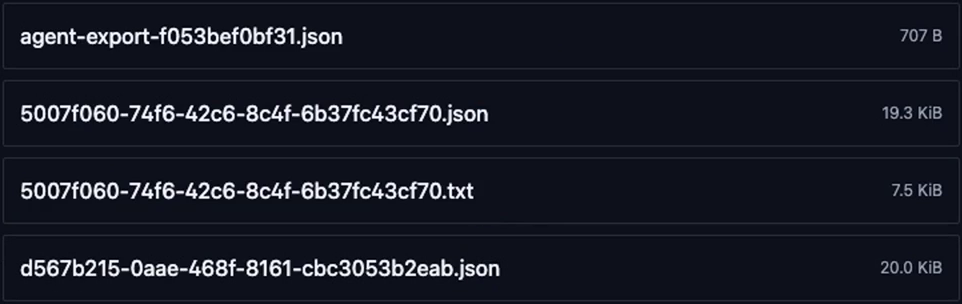
Work with existing files in the application, including text documents and structured data

Choose a document directly in the OCR workspace

Co-build the first workflows, establish evaluation practices and train your developers to maintain and extend what comes next
Run the platform on your infrastructure, with knowledge, agents, access rules and logs together and model connections governed by your data policy